
For developers, DBAs and analysts on Mac
Query, edit and design any database, without the friction.
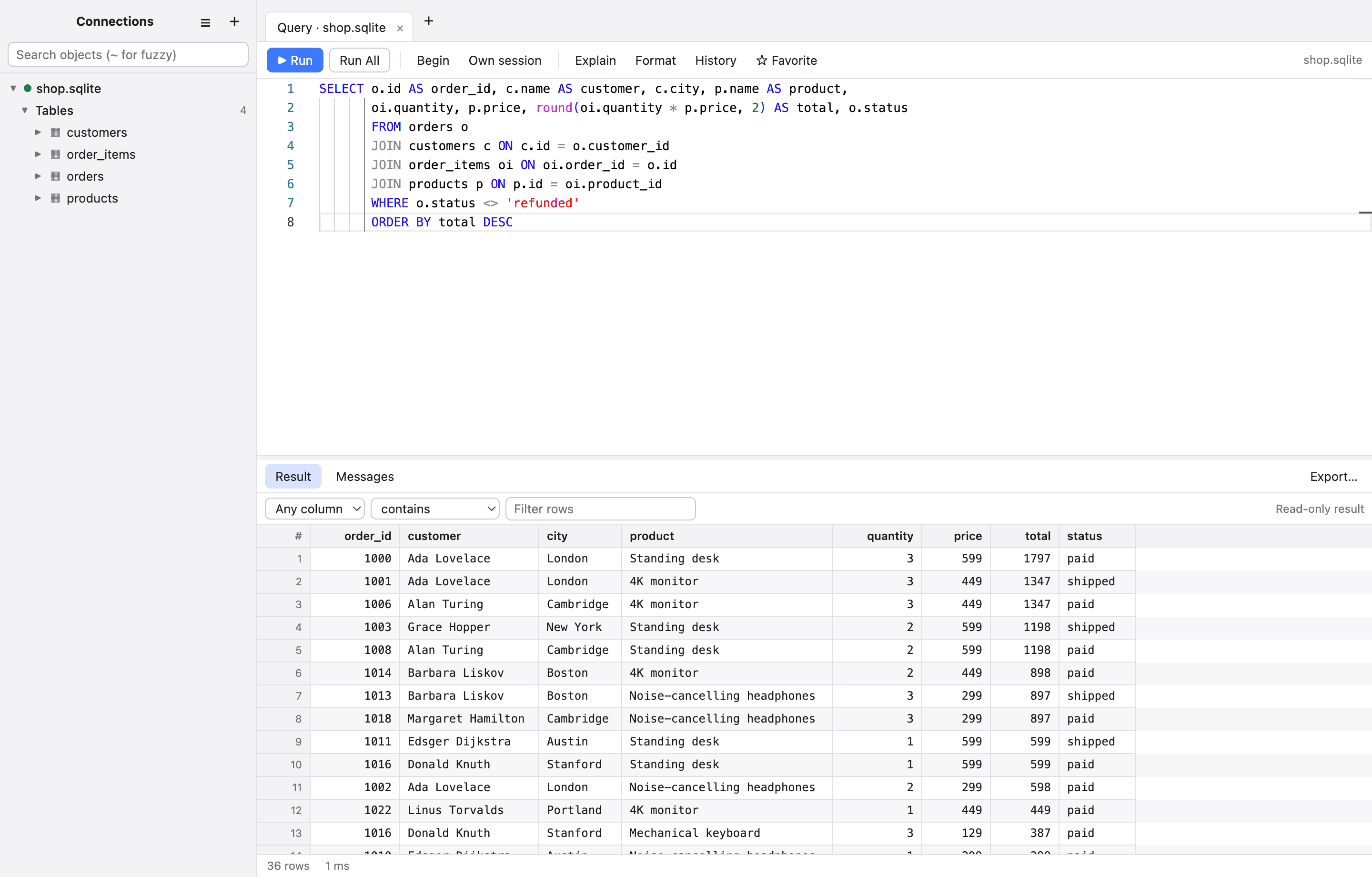
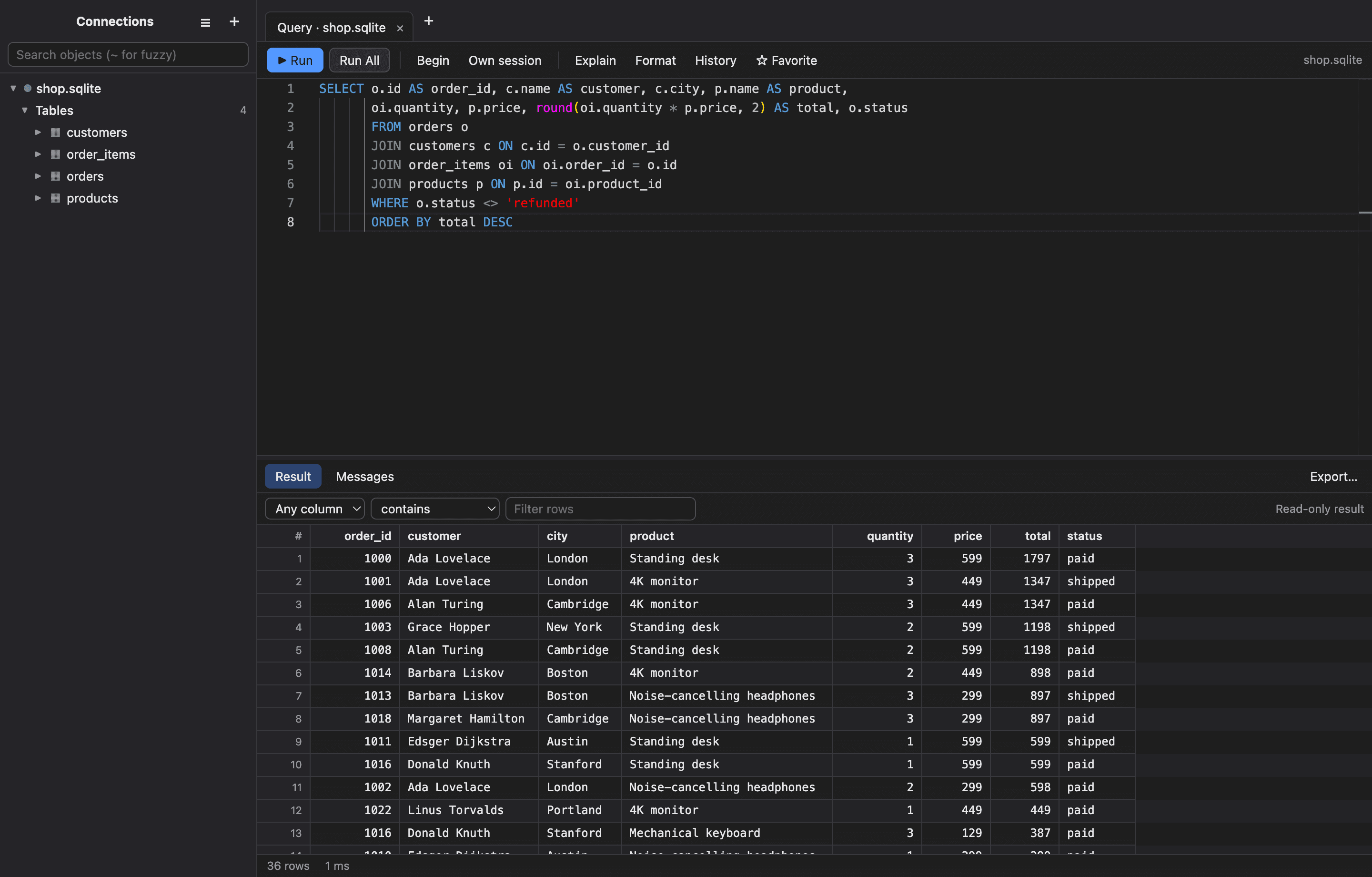
DB Studio Pro puts PostgreSQL, MySQL, SQL Server, Oracle, SQLite, MongoDB, Snowflake and Access in one fast, careful Mac app: safe around production, quick on big results.
14-day free trial · No credit card · macOS 12 or later, Apple Silicon or Intel
One app for all of your databases
PostgreSQL
and Amazon Redshift
MySQL
and MariaDB
SQLite
files and Access databases
SQL Server
SQL or Windows logins
Oracle
no client install needed
MongoDB
shell syntax and editing
Snowflake
accounts and warehouses
Microsoft Access
read-only .mdb and .accdb
Why DB Studio Pro
Everything you need to work with data, and the care to do it safely.
Most database tools make you pick between power and caution. This one is quick when you are exploring and careful when it matters.
Eight databases, one app
PostgreSQL and Redshift, MySQL and MariaDB, SQL Server, Oracle, SQLite, MongoDB, Snowflake and Microsoft Access, in the same editor and grid.
An editor that keeps up
Completion for tables, columns and aliases, one-key formatting, several result sets at once, and errors that jump to the line.
Edit data like a spreadsheet
Change cells, add and delete rows, then review the exact SQL before anything is applied, in a single transaction.
Design tables visually
Create and alter tables, indexes and foreign keys, with the generated SQL shown for review. SQLite rebuilds are handled for you.
SSH tunnels done right
Password, key or SSH agent (including 1Password and Secretive), jump hosts, your ~/.ssh/config, and host keys that are pinned and checked.
Safe around production
Mark a connection Production for a banner and a confirmation before any change. Read-only connections are enforced by the database wherever it can.
Secure by default
Remote servers get verified TLS unless you choose otherwise, every connection shows how it is protected, and passwords live in the macOS Keychain.
Does not freeze
Slow SQLite and Access queries run in their own process and can be cancelled. Exports stream to disk, so a million rows will not fill your memory.
Transactions and sessions
Give a tab its own session, then Begin, Commit or Roll back, with a warning before you close with uncommitted work.
Compare and move schemas
Compare two databases and get the script that makes one match the other, or export a whole schema and its data as SQL.
See what the server is doing
Explain shows the query plan as a tree with the cost highlighted, and the activity monitor can cancel a runaway query.
Keep your work private
No analytics and no telemetry. An optional app lock with Touch ID, encrypted connection exports and history settings put you in control.
Understand your schema
See how your tables fit together.
Draw any schema as an ER diagram, open a table's structure, or compare two databases and generate the script that makes one match the other.
Learn more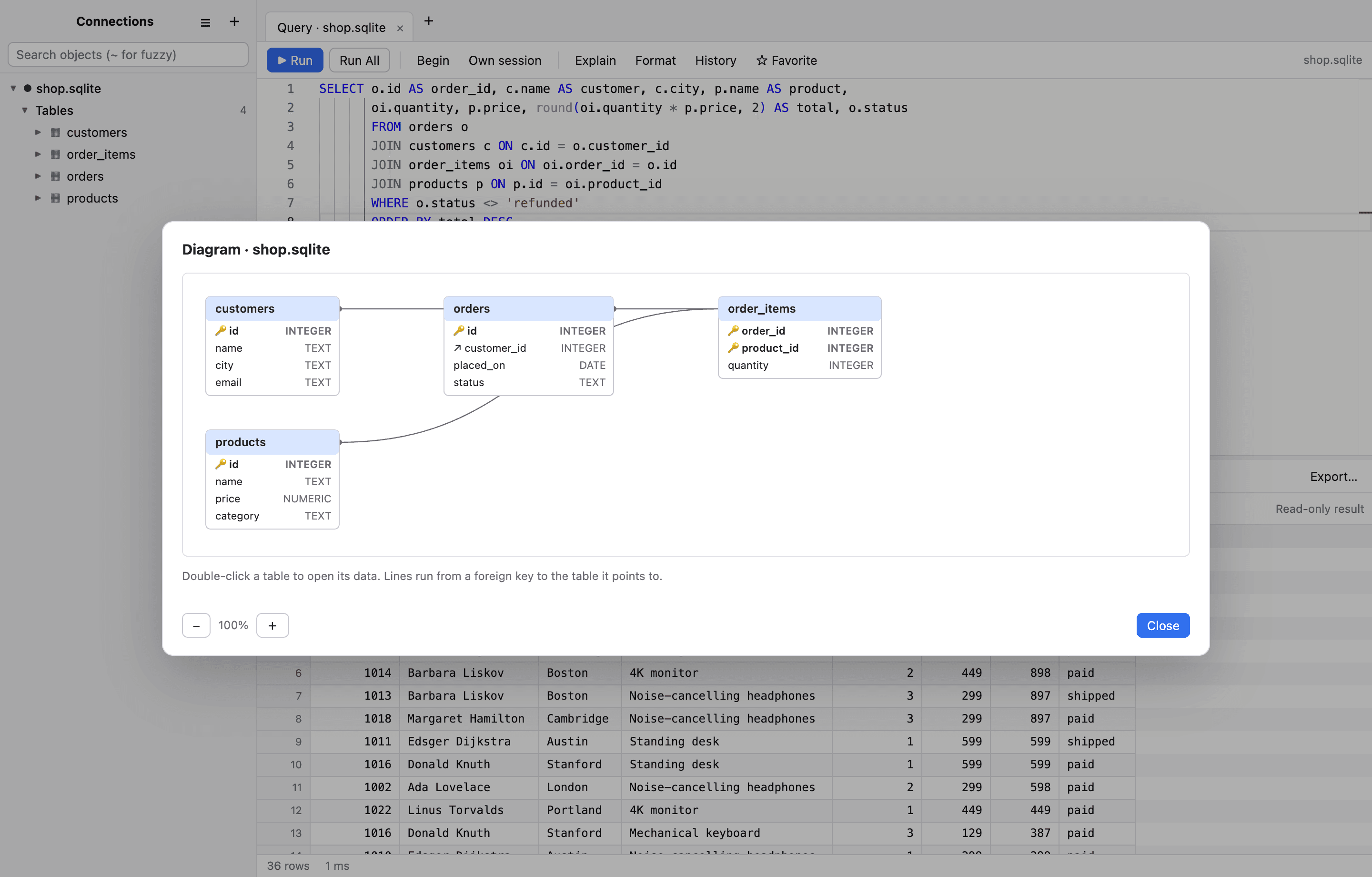
Know what the server will do
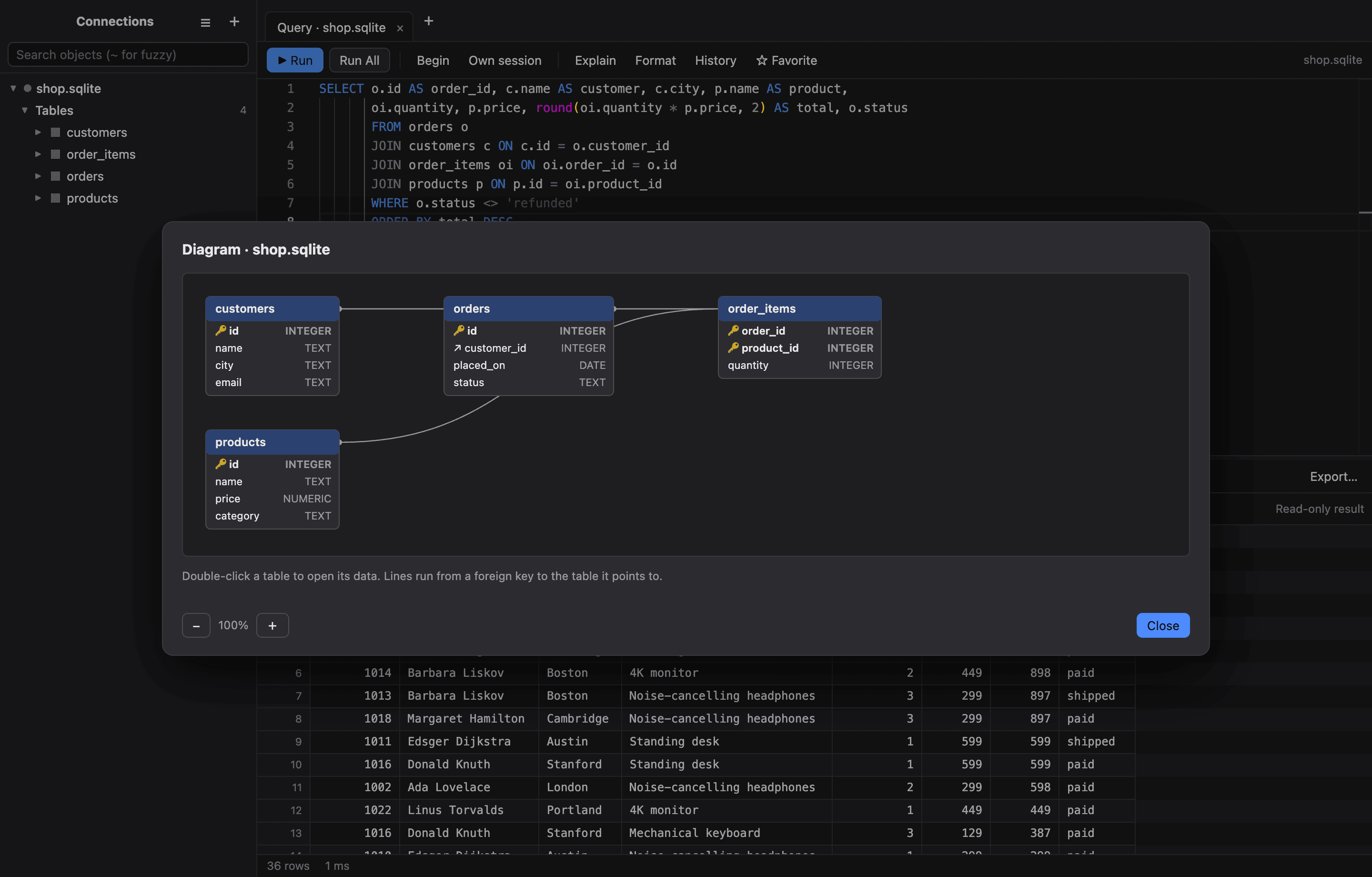
Read a query plan in seconds.
Explain turns the database's plan into a tree with the expensive steps highlighted, for PostgreSQL, MySQL, SQL Server, Oracle and SQLite.
Learn more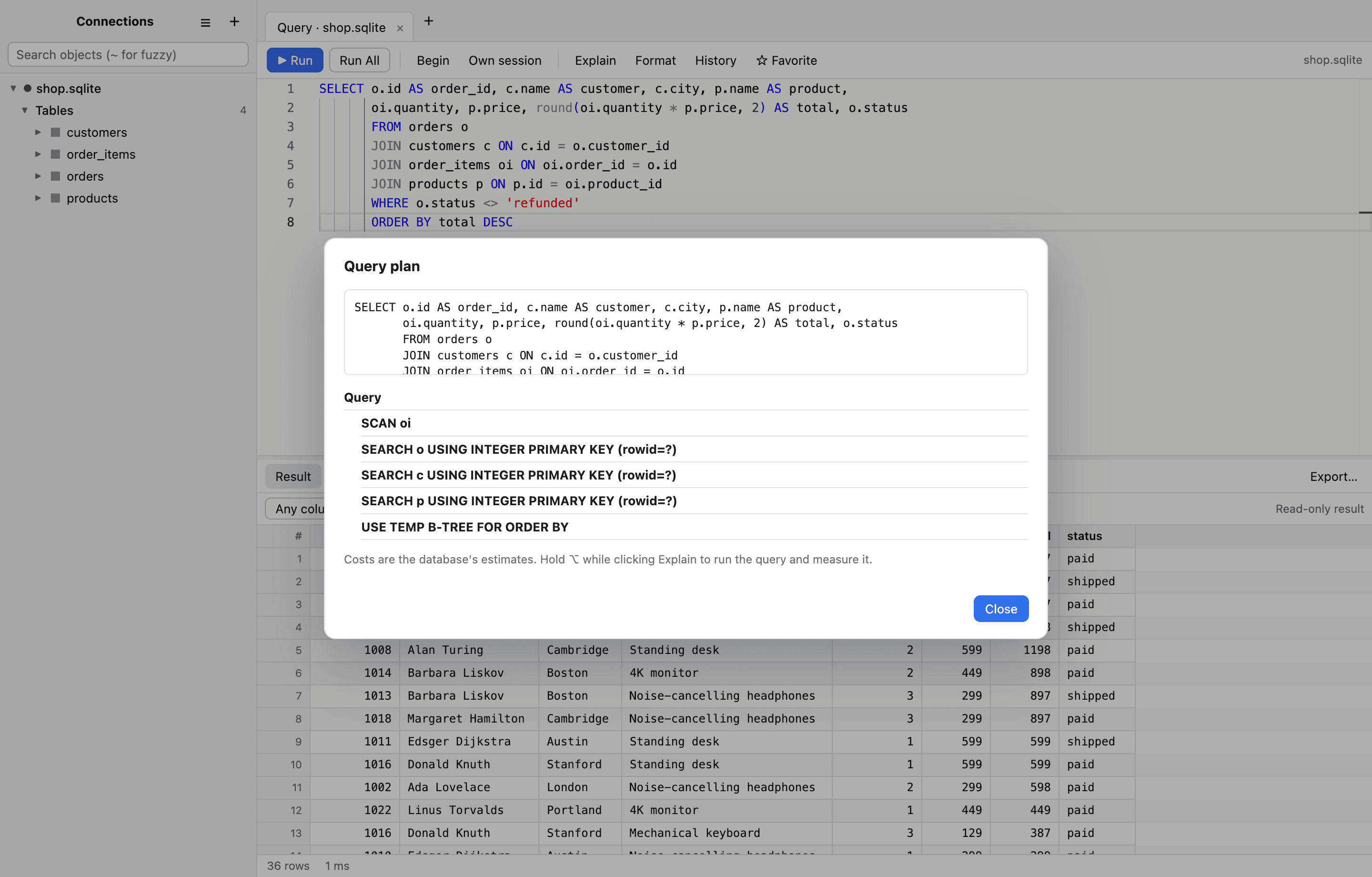
Built to be trusted
Careful with your credentials, and with your production data.
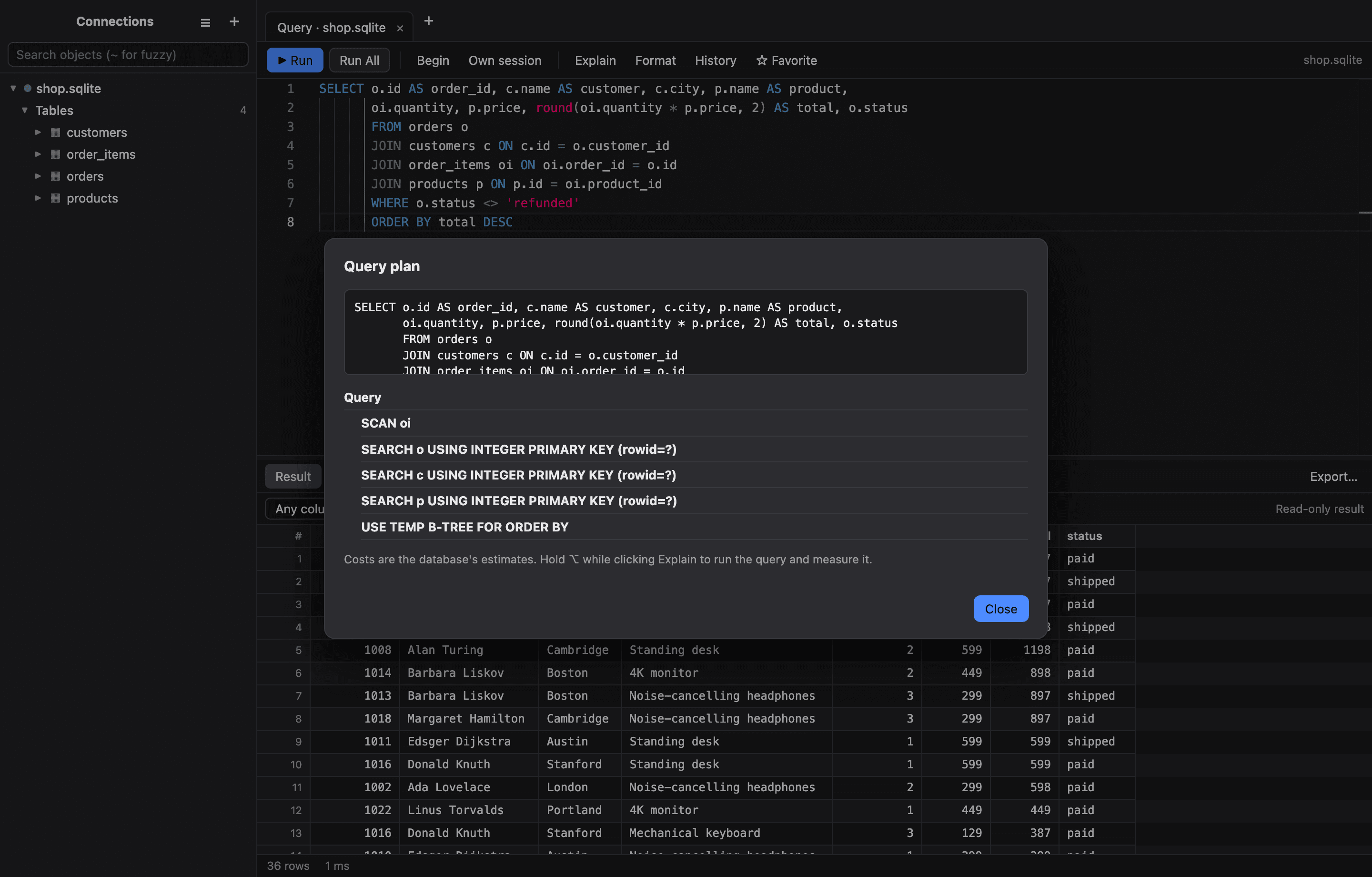
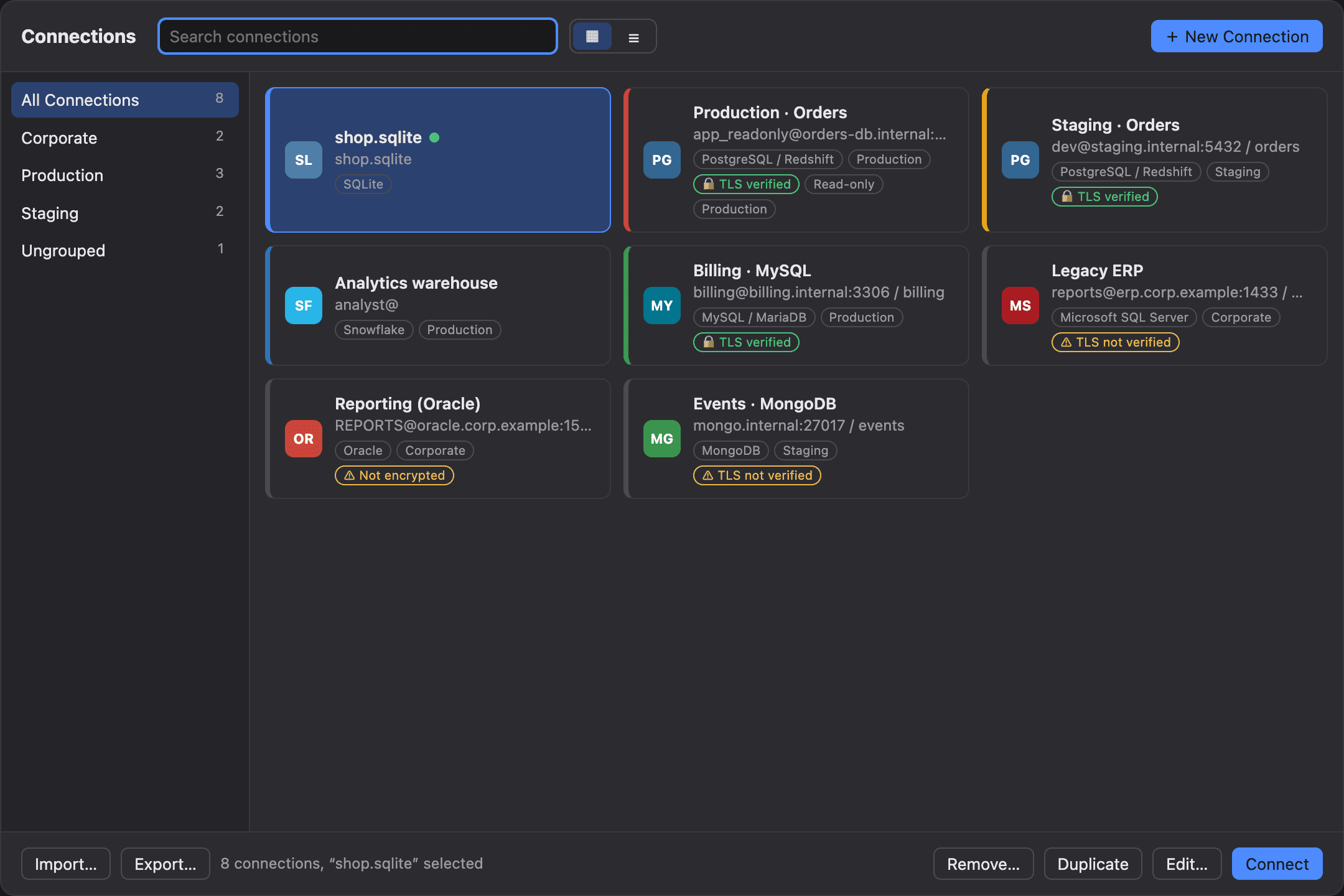
Every connection shows how it is protected. The defaults are the safe ones.
TLS verified by default
Remote servers get certificate and host-name checks unless you choose otherwise, and a badge says exactly what you have.
Production mode and read-only
A banner, confirmations, and read-only enforcement inside the database where it can be.
Local first, no telemetry
No analytics, no account, passwords in your Keychain. Crash reports stay on your Mac.
Signed and notarized
Every release is scanned by Apple and opens without warnings.
- Read how it protects you →
Made for the way you work
Built for people who live in their data.
Developers
Run and tune queries, inspect schemas, and edit rows without leaving the app. SSH tunnels, agent support and your own shortcuts keep you in flow.
Database administrators
See running sessions, compare schemas, export a database as SQL, and keep production safe with banners, confirmations and read-only connections.
Data analysts
Explore with a spreadsheet-style grid, filter and copy as CSV or Markdown, and import or export without writing glue scripts.
Switching from SQLPro Studio, TablePlus or another client?
Import your saved connections (including groups) from SQLPro Studio with a preview, and paste any connection string to fill in a new one. You can be querying in a couple of minutes.
Pricing
Simple pricing. Pick how you like to pay.
Every plan has every feature. Try it free for 14 days first.
Monthly
Flexible: pay month to month and cancel any time.
$12.95per month
Billed monthly. Cancel any time.
- Every feature, every database
- Free updates while your plan is active
- Apple Silicon and Intel
- Email support from the people who build it
- 14-day free trial before you pay
Yearly
Best value for everyday use. Billed once a year.
$99.95per year
That is $8.33 a month, 36% less than paying monthly.
- Every feature, every database
- Free updates while your plan is active
- Apple Silicon and Intel
- Email support from the people who build it
- 14-day free trial before you pay
Lifetime
Pay once and keep the app forever, with two years of updates included.
$195.95one time
Pay once. About 2 years of the yearly plan, with two years of updates included.
- Every feature, every database
- Free updates while your plan is active
- Apple Silicon and Intel
- Email support from the people who build it
- 14-day free trial before you pay
- Secure checkout by Square
- 30-day money-back guarantee
- Signed and notarized by Apple
- No telemetry
Teams of three or more, or want an invoice? Talk to sales.
Questions
Answers before you ask.
Give your databases the client they deserve.
Download DB Studio Pro and use everything free for 14 days. No card needed.